Referee from the courtside, not from a spreadsheet
FFT draws, court planning, live scores, call times and the final ranking for Moja: the whole tournament fits in your phone, and players keep up without calling you.
Free, no credit card
A compliant draw, whatever the number of pairs
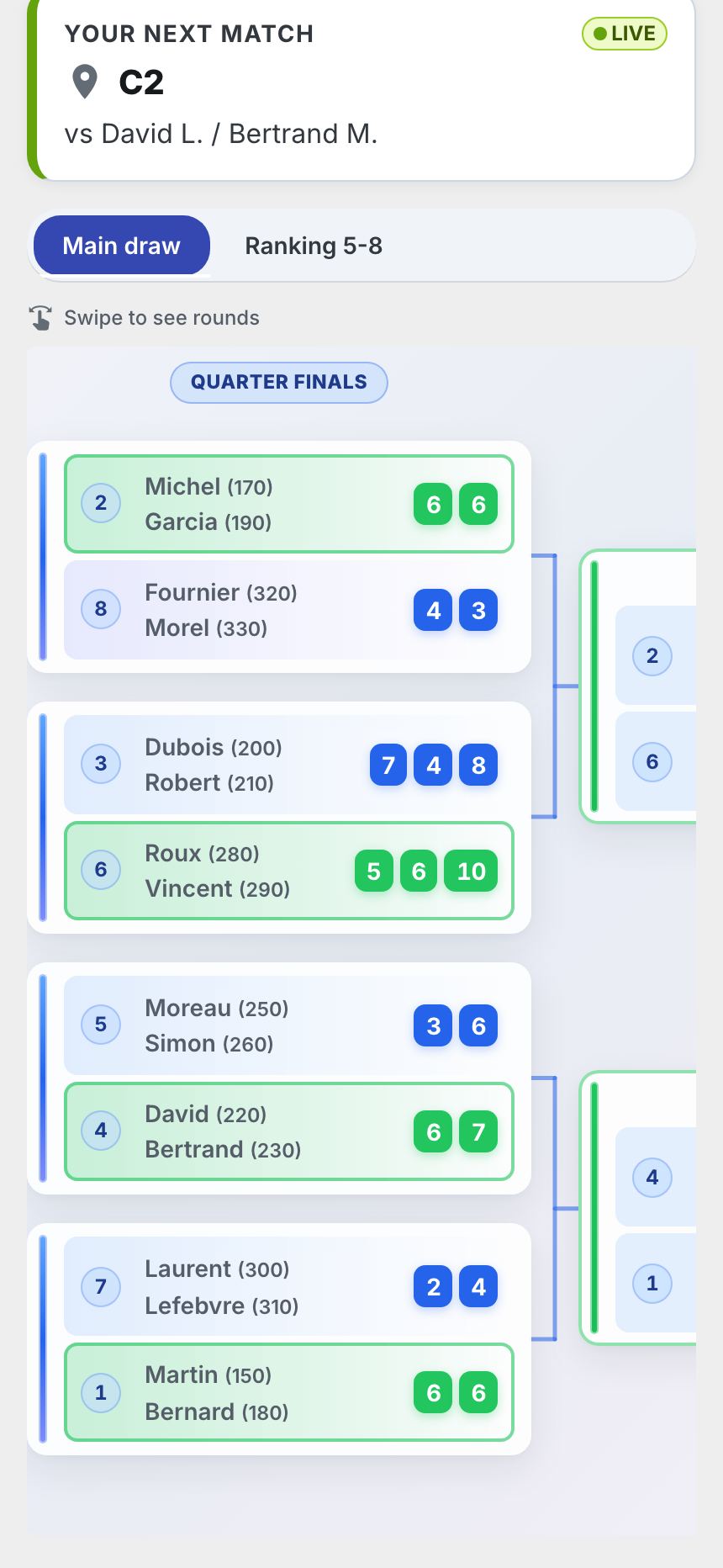
You pick the format; the app generates the matches, the draw and the full ranking.
50 official FFT templates, from 4 to 32 teams: groups, draws, staggered entries, placement matches
Numbers that don't fit? 310 qualifying + main-draw combinations, from 12 to 51 pairs
Every pair is ranked and plays at least 3 matches, including first-round qualifying losers
Americano, Mexicano, King of the Hill, and Elimination: a tournament played over several weeks, where pairs arrange their own matches
The order of play in one click, in FFT template order
Auto-planning puts every match on a court; then you adjust with the mouse.
Group matches follow the round order of the FFT template, and a match never starts before the ones it depends on
Optional FFT minimum rest between a pair's matches, and an alert when a pair is on two courts at once
Tournaments over 2 or 3 days, presets shared with the club's other referees
Call times suggested from the planning (first match − 15 min), which you confirm
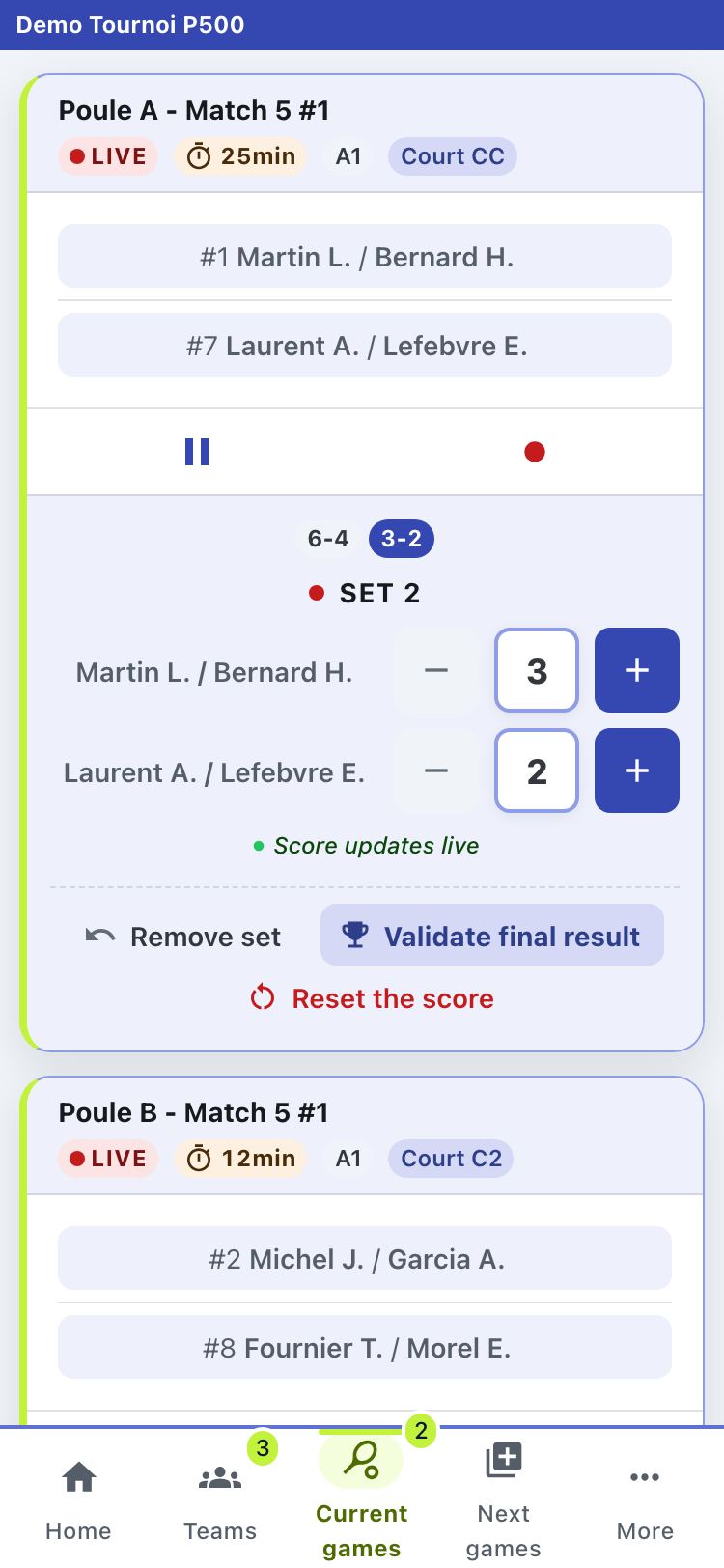
Scores in within seconds, up to date everywhere
Built for bright sun and one hand. Nothing to install: the link opens in the browser.
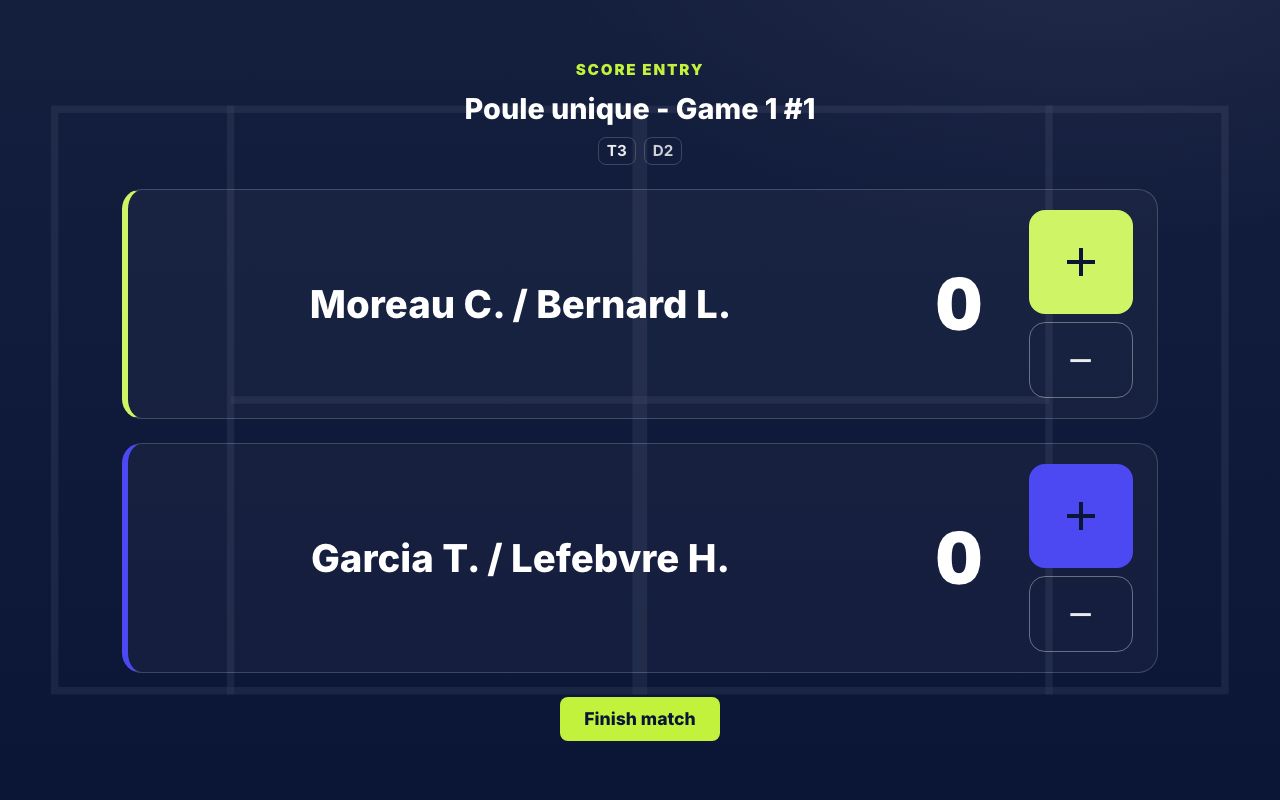
Big-digit keypad: the draw, standings, public page and TV screen update
A court frees up: start the planned match with one button, with each pair's waiting time
Declare a forfeit once; the walkover applies to the pair's next matches and can be undone match by match
One QR per court: players enter their score on a tablet or their phone, you confirm
Players kept informed without a single phone call
One link or QR code for the whole tournament: each player taps their name, no account or app.
They confirm their call time and say they've arrived; you see who confirmed, who's here and who has paid
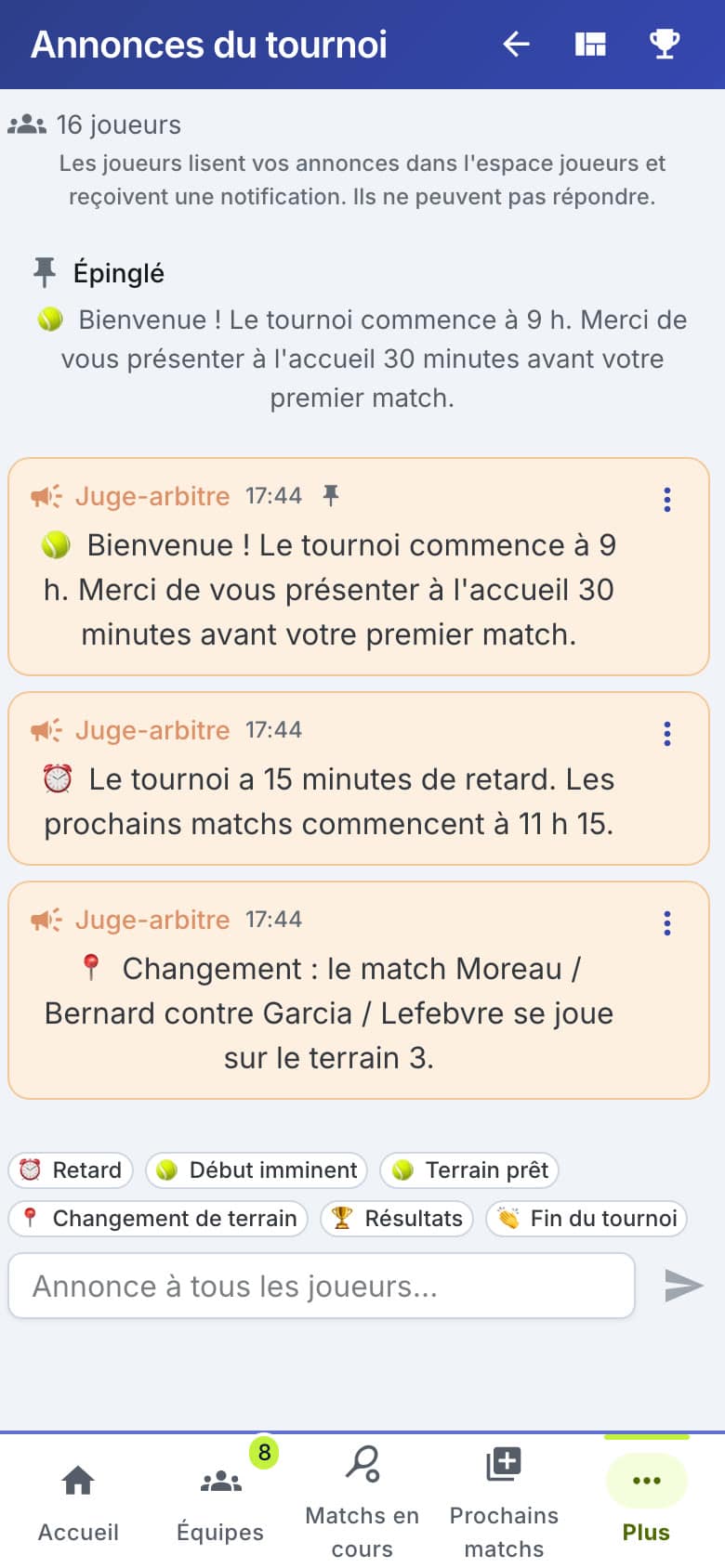
Your announcements (delay, court ready, court change) live, and as a notification for those who turned them on
A notification too when their pair's match starts on a court
Practical info and the WhatsApp group link in one place
Moja both ways, with no retyping
Create the tournament from Moja or link an existing one.
Import all three sheets of the Moja export: main draw, qualifying and waiting list
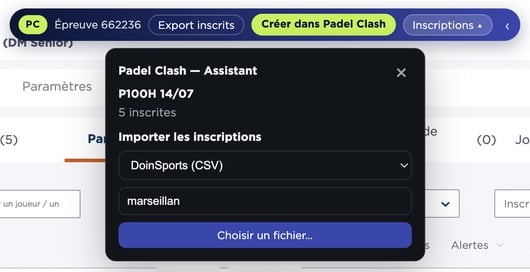
Your assistants can import the pairs for you
Teams synced both ways, final ranking sent back in the expected format
The Moja Assistant, a free Chrome extension, automates the round trips on moja.fft.fr
The report ready, the next edition already set up
Closing the tournament takes a few minutes.
The day's report: actual duration, waiting times, matches played
Every result in Excel, and the final ranking ready for Moja
A podium picture in the club's colours, ready for Instagram or WhatsApp
A recurring tournament? Duplicate it: format and planning settings carried over, new date
Delegate on the day, and let clubs find you
You stay in charge of the tournament, and clubs know where to find you.
Up to 5 assistants per tournament, added with their account email: refereeing, TV mode and matches, without access to your settings or your other tournaments
Several tournaments on the same day: switch between them without leaving the app
The referee directory: create a profile if you wish, and clubs contact you
The referees' WhatsApp community for rules questions, and the expense report tool
Frequently asked questions
Yes, no credit card: draws, planning, live scoring, the player space, TV mode and exports are included. Eventually only heavy use or some advanced features may become paid; standard use stays free.
No. The referee interface opens in the browser of your phone, tablet or computer, and resyncs when the device wakes up. Players install nothing either.
Yes: sanctioned formats, the rulebook's minimum rest, entry import from Moja (main draw, qualifying, waiting list) and the final ranking sent back in the expected format.
Yes: Americano, Mexicano (including fixed teams), King of the Hill and Elimination over several weeks. Placement matches are included, and a match that could not be played is marked "not played" without blocking the close.
Declare the forfeit from the score dialog: the walkover is recorded, the opposing pair moves on in the draw, and the forfeit can apply to the pair's remaining matches. Each walkover can be undone match by match.
You set it in the Teams tab, by hand or from the planning. Players see it in the player space and on the tournament page, confirm it, and you see who did. Padel Clash sends no email or text message: you share one link.
Go further
Your next tournament, without paper or spreadsheets
Create your referee account, pick a template and import your pairs from Moja: the tournament is ready in a few minutes.