No more 40 phone calls on Friday night
You set the call times and share one link: each player confirms theirs, says they've arrived on the day and reads your announcements. You see who has replied.
Free, no credit card. Nothing for players to install
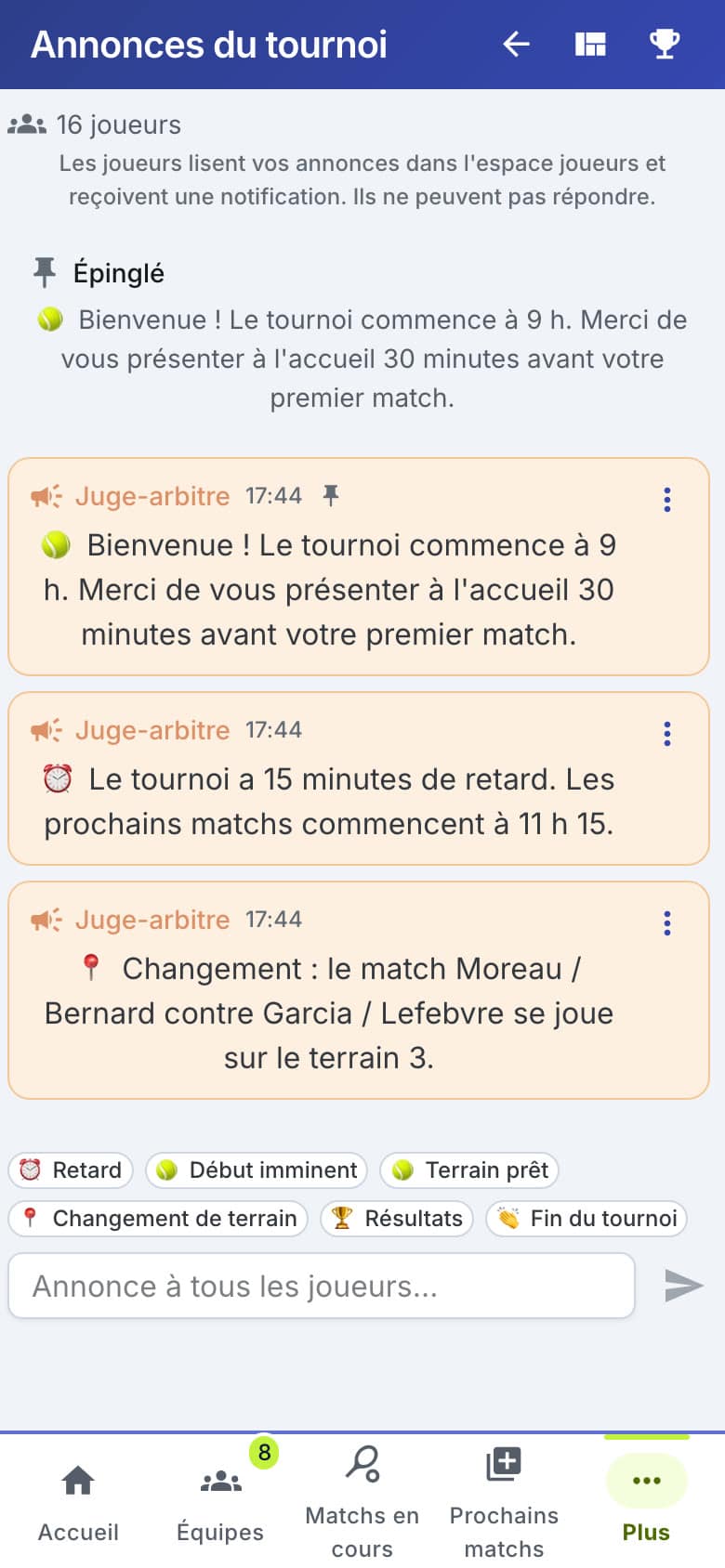
You send the call times, the planning helps
Each pair's call time is set in the tournament's Teams tab.
Click a pair's cell to set its time
Or tick pairs and choose "Fill from the planning": first match − 15 min, which you confirm
Until a time is set, everyone sees "Pending", never a guessed time
The planning moved afterwards? A warning tells you, and an outdated confirmation is flagged "Needs reconfirming"
One link or QR code for the whole tournament
Not one message per pair: one short link, the same for every player in the tournament.
Copy it, send it from your phone or on WhatsApp, or show the QR code full screen at the front desk
Each player taps their name: no account to create, no app to install
You generate the link from the tournament overview or from check-in in the referee interface
Link going round too far? Generate a new one: the old one and its QR code stop working
Every player does their part from their phone
The player space covers what people usually phone you about.
Confirm their call time, for themselves or for the whole pair
Say they've arrived on the day, in one tap
See their next match and, if you track it, whether their entry is paid
Read your practical info: parking, bar, paying on site, the WhatsApp group link
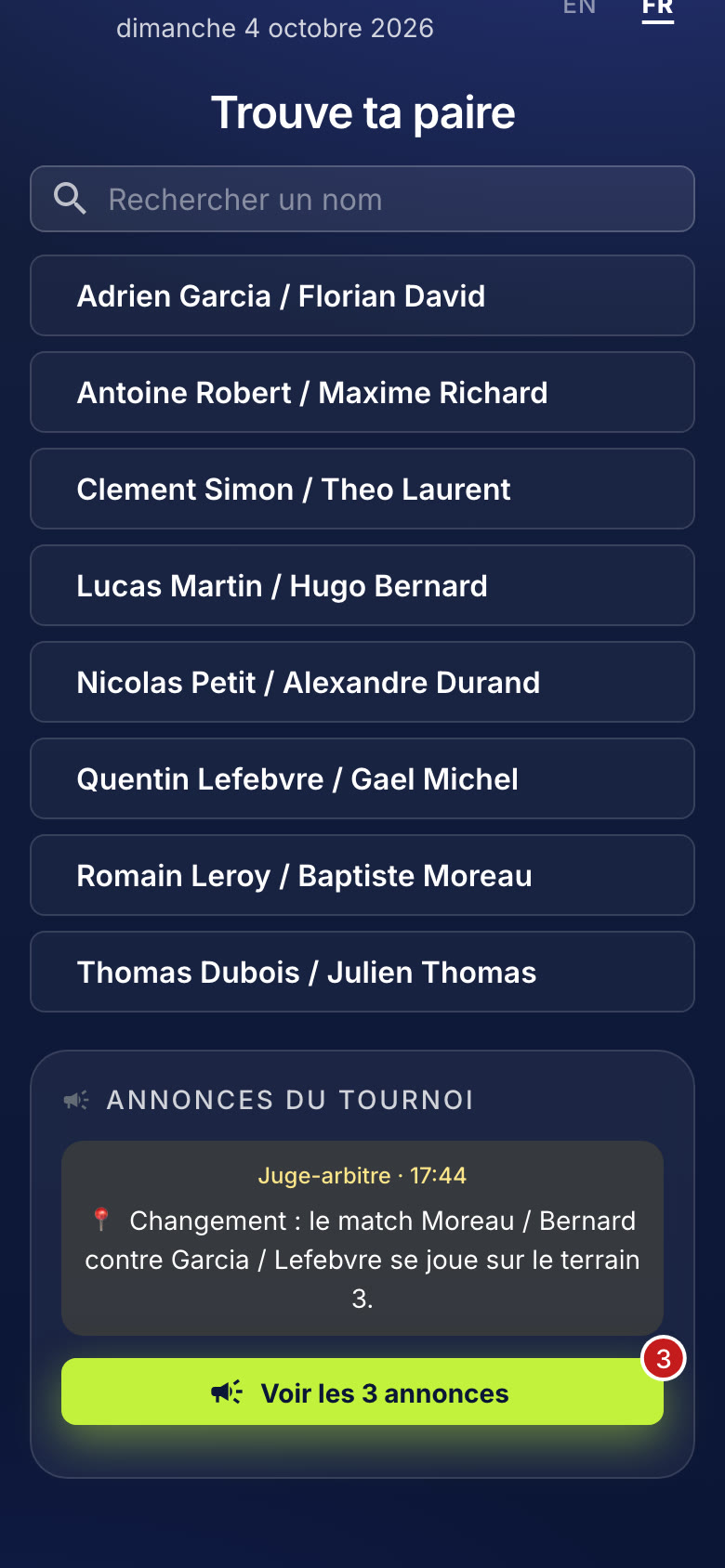
"15 minutes late", posted in one tap
Your announcements show in the player space and go out as a notification. Players can't reply: no thread to moderate.
Quick messages: delay, starting soon, court ready, court change, results
An important announcement stays pinned at the top
A notification for every announcement, and when a pair's match starts on a court, for players who follow their pair and turned notifications on
On iPhone, players first add the page to their home screen: Safari only notifies sites installed that way
Who confirmed, who's here, who has paid
Pair status at a glance, in the referee interface and in the tournament admin.
Per pair: call time confirmed, needs reconfirming or not confirmed yet
Arrivals player by player, and payments if you track them
Tournament totals: call times confirmed, players here, players paid
A player without a phone? Check them in with one tap at the referee's desk
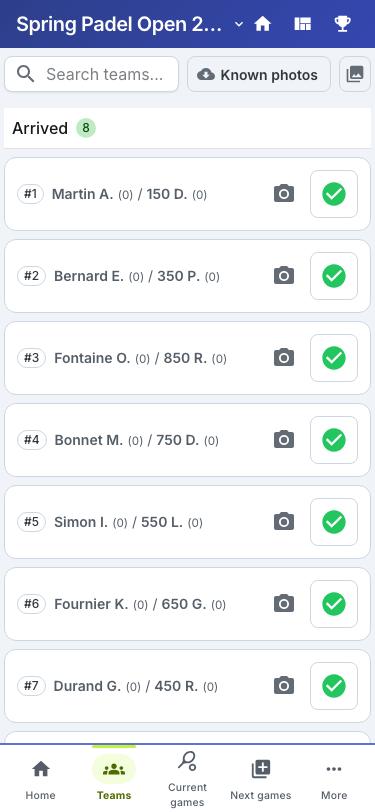
The link is the key, and you can change it
No player accounts to manage, no more data than needed.
The link's code opens the tournament's player space: no password
A new link cuts off the old one, QR code included
The player space is not indexed by search engines
The licence number only shows if you choose to display it
Frequently asked questions
Nothing: they come with Padel Clash, which is free with no credit card. Eventually only heavy use or some advanced features may become paid; standard use stays free.
No. The link opens in the phone's browser and each player taps their name. Only notifications take a step: allowing them and, on iPhone, first adding the page to the home screen.
Their partner can confirm the call time for the whole pair. On the day, you check them in with one tap at the referee's desk. Call times also show on the tournament's public page and on the team list you print.
The player picks their pair in the player space, or taps « Suivre mon équipe » (follow my team) on the tournament page, then turns notifications on. They get one for every announcement and when their pair's match starts on a court. There are no scheduled reminders.
No, Padel Clash sends no email or text message. You share one link (WhatsApp, the club's email, a QR code on display), and the team list with its times exports as an image for a WhatsApp group, or prints.
Go further
Your next call times fit in one link
Create your referee account, import your pairs and set the times: players confirm on their own.