Give your partners real visibility at every tournament
A title partner who presents the tournament, up to three partners on its page, one sponsor per court: your partners show up on the club screen, online, on the poster and on the podium photo.
Free, no credit card
“Club Open, presented by…”
One of the club's sponsors puts its name to the tournament, and its logo goes wherever the tournament is shown.
Public tournament page: “Presented by” and their logo under the name, linking to their website
TV mode: their logo in the corner of the screen, on every channel, all day long
Tournament poster: “Presented by” and their logo, and they are preselected on the podium photo
Printed team lists: the tournament's partners come first
Up to three partners on the tournament page
Players and their families open the tournament page to follow the scores. Your partners are right there, with a way to find out more.
A partner strip: logo, name and a one-line description for each
One click opens the partner's website (the link is marked rel="sponsored", as Google recommends)
On the TV, the sponsors channel shows the tournament's partners unless you picked something else
“Court 1 · your partner”
Each of the club's courts can carry a sponsor's name, in every tournament played on it.
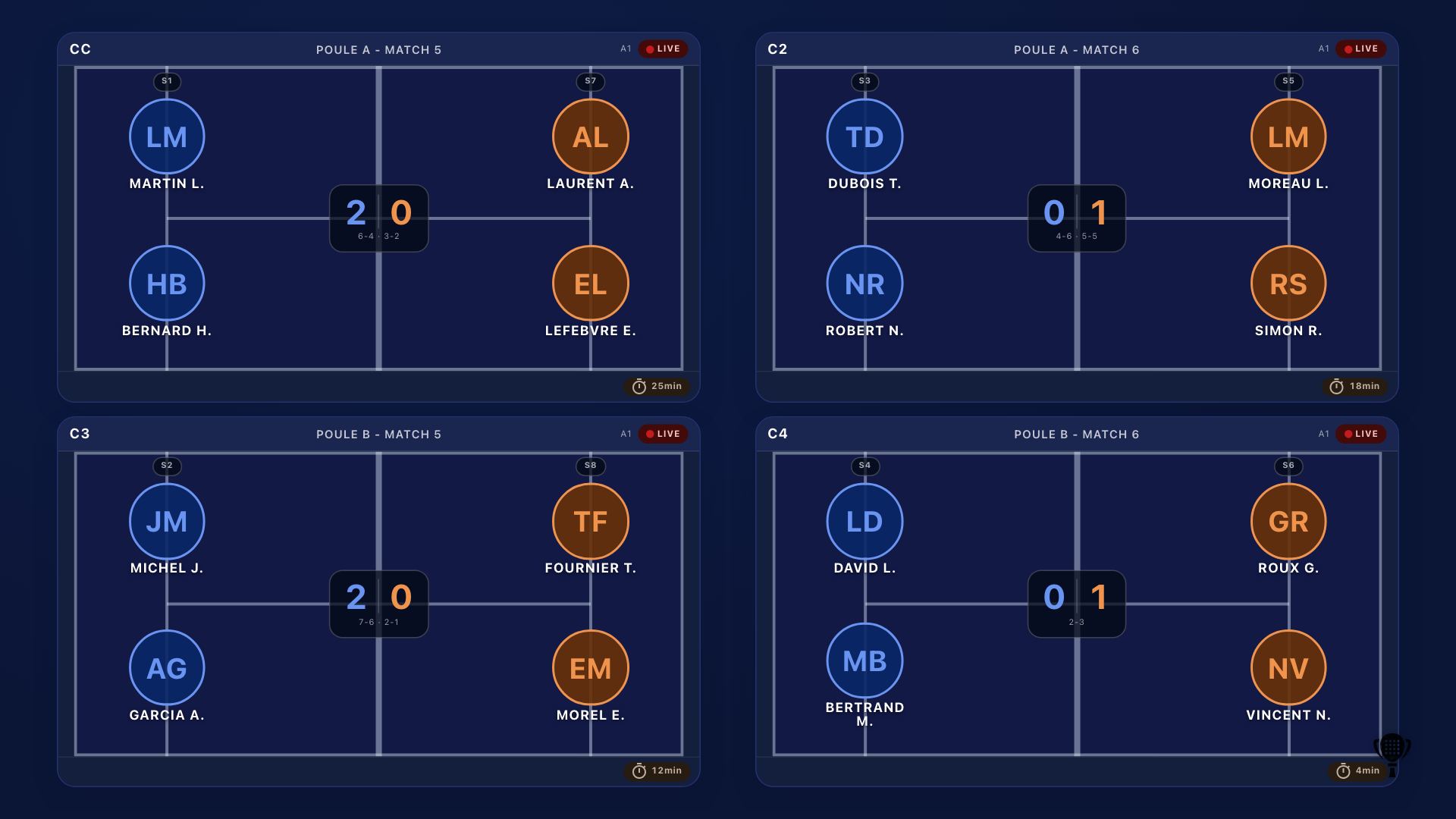
TV mode: the logo next to the court name, on live matches and in the order of play
Court screen and court tablet: a “Court partner” badge
Score overlays (OBS and live video): the court partner's logo
Printed schedule: their name next to each court
And all year round
Without choosing anything tournament by tournament, the club's sponsors already have their place.
The podium photo
The winners' visual carries a partner's logo, with a thank-you in the text ready to post.
The partner report
For each tournament or court partner: opens of the page showing them, clicks to their site and time on the TV screen. Totals, with no cookie or visitor tracking, to send as text or CSV.
How to sell your partnerships
Three packages to shape your offer. They are examples: you set your prices and terms, and Padel Clash plays no part in the deal.
Title partner
For the partner who wants their name on the event.
Their name on the tournament, on its page and poster
Their logo on every TV channel, all day long
The podium photo and its thank-you
Court partner
For a season-long presence, tournament after tournament.
A court in their name on the TV and the order of play
The badge on the court screen and tablet
Their logo on the score overlay of streamed matches
Partner wall
The entry level, for local businesses.
Logo and link on the club page
In the TV sponsors channel rotation
A spot among a tournament's partners, as an option
To win them over, show the placements: this page, your posters and your podium photos. After the tournament, send them the partner report: numbers measured, not promised.
Set it up in three steps
Add the club's sponsors
In the club area, Courts & sponsors tab: the logo, a link to their website and a one-line description.
Pick the tournament's partners
On the tournament's Overview, the “Partners” card: one title partner and up to three partners.
Give each court a partner
In a club court's settings, choose its “Court partner”.
Frequently asked questions
No: tournament partners and court partners come with Padel Clash, which is free with no credit card. Eventually only heavy use or some advanced features may become paid; standard use stays free.
No. We don't sell space or set any price: the deal is between your club and its partners. The packages on this page are examples to help you build your offer.
Yes: the title partner, tournament partners and court partners are picked from the club's sponsors. A referee without a club can still rotate their own sponsors on the TV sponsors channel.
A tournament's: its organiser and assistants, from the Overview. The courts': the club's owner and admins, from each court's settings. The sponsors themselves are managed in the club area.
Yes, as totals: the tournament's « Bilan partenaires » (partner report) card counts, for each partner and each day, the opens of the tournament page showing them, the clicks to their site and their time on the TV screen. A summary to copy and a CSV file can be shared as they are. These are aggregate counts: no cookie, no visitor tracking, so no number of unique people. The poster and the podium photo, printed or shared elsewhere, aren't counted.
The tournament page shows the club's sponsors, and the TV sponsors channel rotates their logos. Choosing partners puts those ones forward, on that tournament only.
Give your partners a showcase
Create your club, add your sponsors, and your next tournament shows them everywhere.